
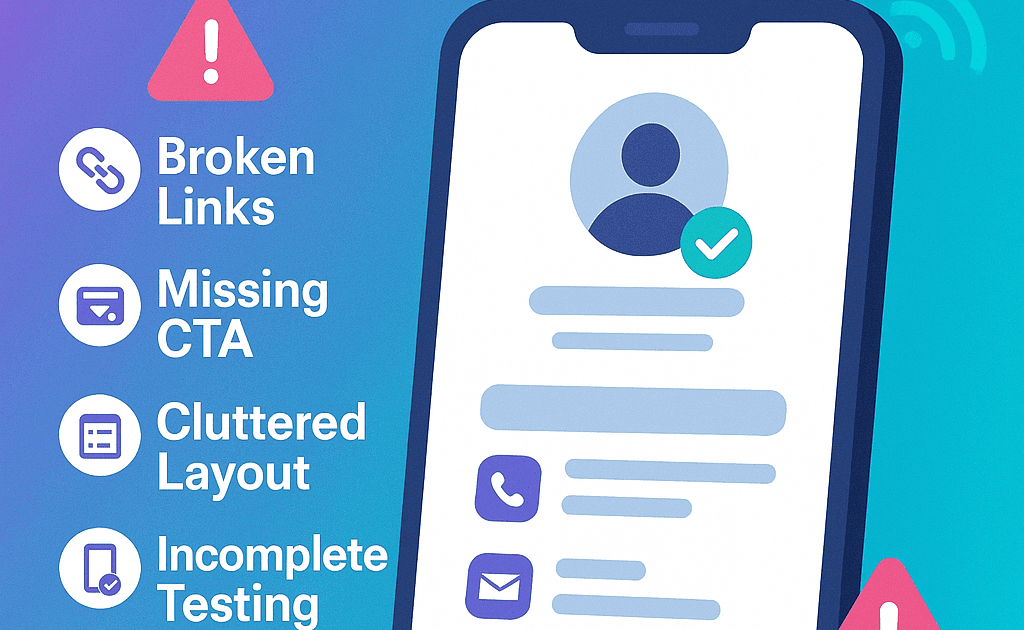
Digital business cards will be powerful lead-generation tools – if set up and used correctly. Unfortunately, many professionals miss out on opportunities by making avoidable mistakes. With Lets Connect smart cards, you can avoid these pitfalls and ensure every tap, scan, and click works for your brand. By identifying the common digital business card mistakes, you will design reliable and professional NFC and QR cards easily.
Smart Business Cards Design Pitfalls – Introduction
In 2025, your digital business card is more than just a replacement for paper—it’s your always-on networking assistant.
Yet, we see common errors that reduce card performance, from outdated info to missing CTAs. This guide reveals the top 5 mistakes to avoid so your card works harder for you.
Quick Take: A great-looking card isn’t enough – it must be actionable, accurate, and optimized.
Mistake 1: Outdated or Incomplete Information
Nothing kills trust faster than an old job title or broken link which is one of the most common digital business card mistakes.
How to fix Incorrect data on Biz Card?
-
Update your profile whenever your title, services, or website changes
-
Double-check social links and calendar integrations
-
Ensure all CTAs point to active, relevant destinations
Pro Tip: With Let’s Connect, you can edit your card in real time.
Related read: How to Customize Your NFC Business Card for Personal Branding
TL;DR: A smart card only works if it stays current.
Mistake 2: Skipping the Call-to-Action (CTA)
Without a clear next step, most viewers won’t engage further.
Tips to fix CTA Errors
Add strong CTAs like:
-
“Book a Meeting”
-
“Download My Portfolio”
-
“Leave a Review”
TL;DR: No CTA = missed opportunity.
Mistake 3: Poor Visual Layout or Clutter
An overloaded or poorly designed card is hard to read and less likely to convert.
How to fix Poor Visuals?
-
Use clean, mobile-first templates
-
Prioritize name, title, and 1–2 key actions
-
Keep the design visually aligned with your brand identity
Related read: Must-Have Digital Business Card Landing Page Elements
TL;DR: Clear design = better engagement.
Mistake 4: Not Testing Across Devices
Just because it works on your phone doesn’t mean it works everywhere.
Fixing Test Across Various Devices
-
Test NFC tap and QR scan on multiple devices
-
Use NFC + QR hybrid cards for maximum compatibility
Related read: NFC vs QR Code Business Cards – Which to Choose?
TL;DR: Test your tech before it costs you a lead.
Mistake 5: No Follow-Up System
Even the best card won’t bring ROI without follow-up.
How to Correct Business Card Design Mistakes?
-
Integrate lead capture (forms, Calendly, WhatsApp)
-
Use analytics to track taps and clicks
-
Set reminders for post-event follow-ups
Related read: How to Use Digital Business Cards at Networking Events
TL;DR: No follow-up = no results.
Mistake 6: Adding Toomuch Information on Smart Cards
One of the most avoidable digital business card mistakes is inserting too much information. Most of the people try to include every detail about business, which makes the card look cluttered.
Best Business Card Design
Digital business card must include essential details like the
- Name/ business name,
- Job title/ business category
- Contact Details – Phone number, email,
- Website,
- Social media.
Digital Business Cards – Bonus Optimization Tips
-
Save your card to your home screen for quick sharing.
-
Use a custom domain for brand consistency.
-
Embed videos or product demos for extra impact.
-
Add your card link to your email signature.
Digital Business Card Mistakes FAQs
What should a digital business card include?
Name, title, contact info, social media, CTAs, and branding.
How often should I update my card?
Whenever your details change—ideally every 30–60 days.
What’s the #1 mistake?
Not having a clear call-to-action.
Are Let’s Connect cards editable?
Yes – changes are instant and unlimited.
Final Thoughts
Your digital business card should be a conversion tool, not just a contact method. Avoid these mistakes and optimize every interaction. Understanding digital business card mistakes helps you create flawless NFC and QR business cards that deliver a better networking experience.